
This article explains how to manually sync an order instantly from Shopify to Xero using the "Sync to Xero" option and view that order in Xero.
1. When the order is created in Shopify, our app syncs the order automatically to Xero within few minutes when auto sync is enabled. However, if you require to sync the order instantly as soon as it is created in Shopify then you can use the option "Sync to Xero" option.
2. When you edit the order in Shopify, our app receives the notification from Shopify and syncs the edit order updates to Xero within few minutes. However, if you require to sync the edit order updates instantly when the order is edited in Shopify then you can use the "Sync to Xero" option.
Below are the navigation steps to sync using the "Sync to Xero" option.
1. Navigate to the 'Orders' section from the left hand menu in Shopify Admin and open the order that you want to sync to Xero.
2. Access 'More Actions' menu >> Click "Sync to Xero".
Below is the screenshot with highlighted options.
_1775562053.png)
You may see a confirmation message once completed.
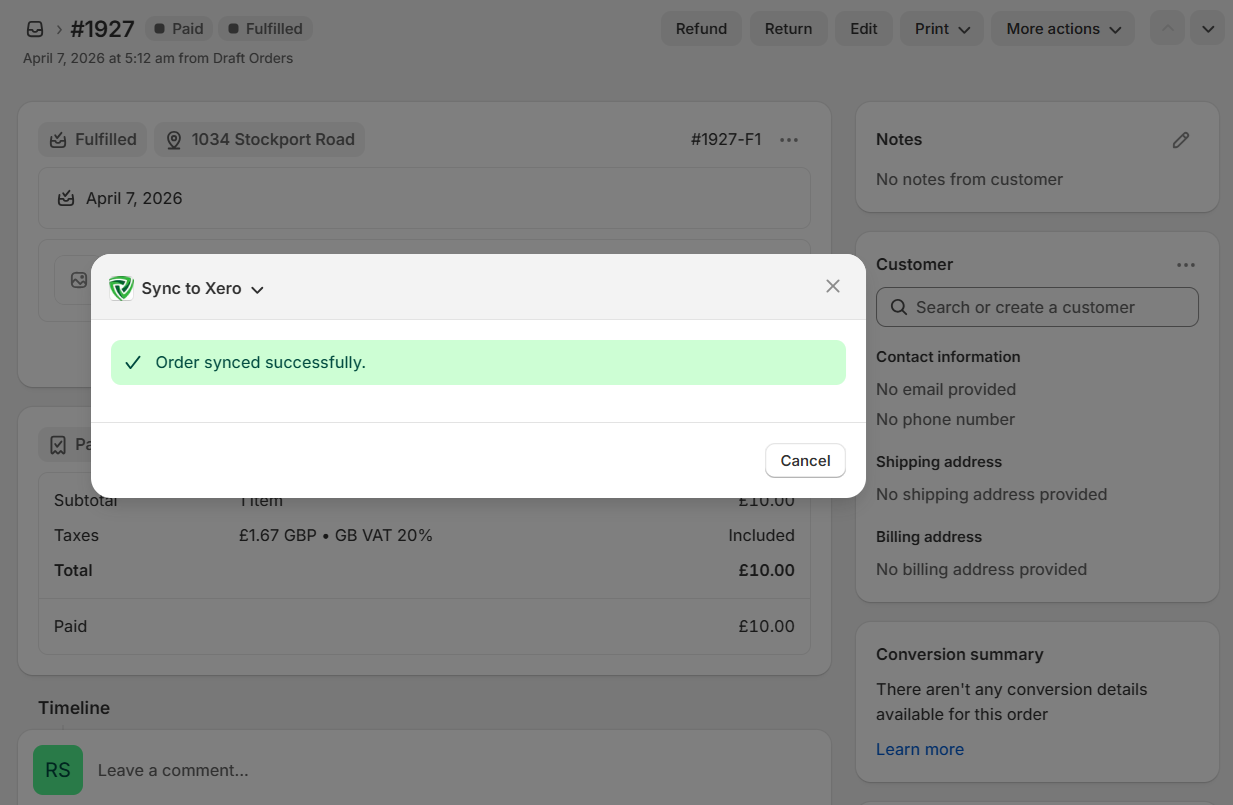
If you want to view this synced order in Xero then you can click on the “View in Xero” option located under “More Actions”.
 (1) (2)_1775562189.png)
If you are already logged into Xero then the invoice will appear otherwise it will ask to enter the Xero credentials and then you will be able to view the invoice.
_1775562294.png)